Sensors
Competitors can place sensors anywghere in the environment. Sensors have no collision so they can overlap if necessary. Each sensor has a cost that factors into the final score.
Sensor Costs
Sensor Type |
Cost |
|---|---|
|
$100 |
|
$100 |
|
$200 |
|
$300 |
|
$300 |
|
$500 |
|
$500 |
|
$2000 |
Sensor Types
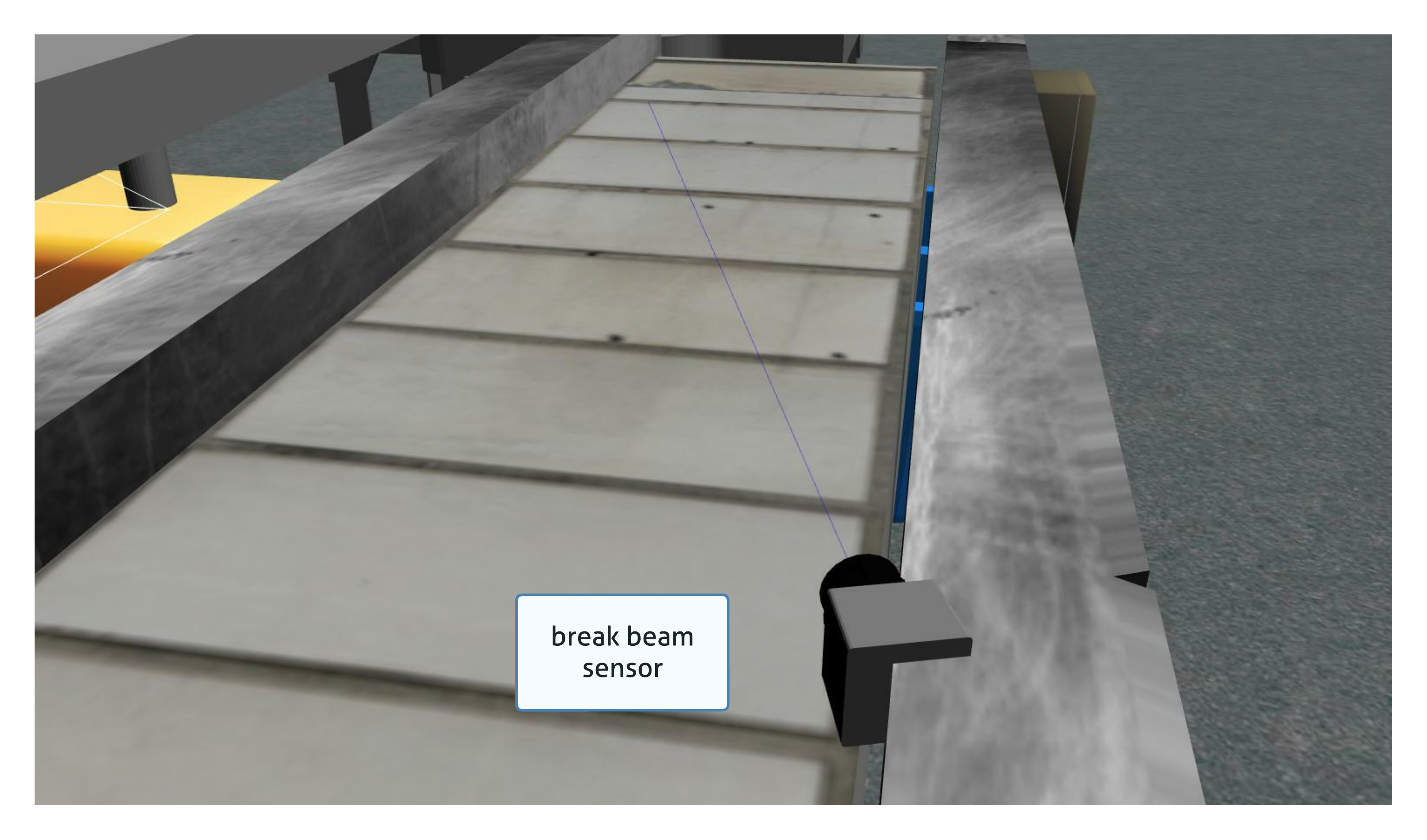
Break Beam
The break beam sensor reports when a beam is broken by an object. It does not provide distance information.

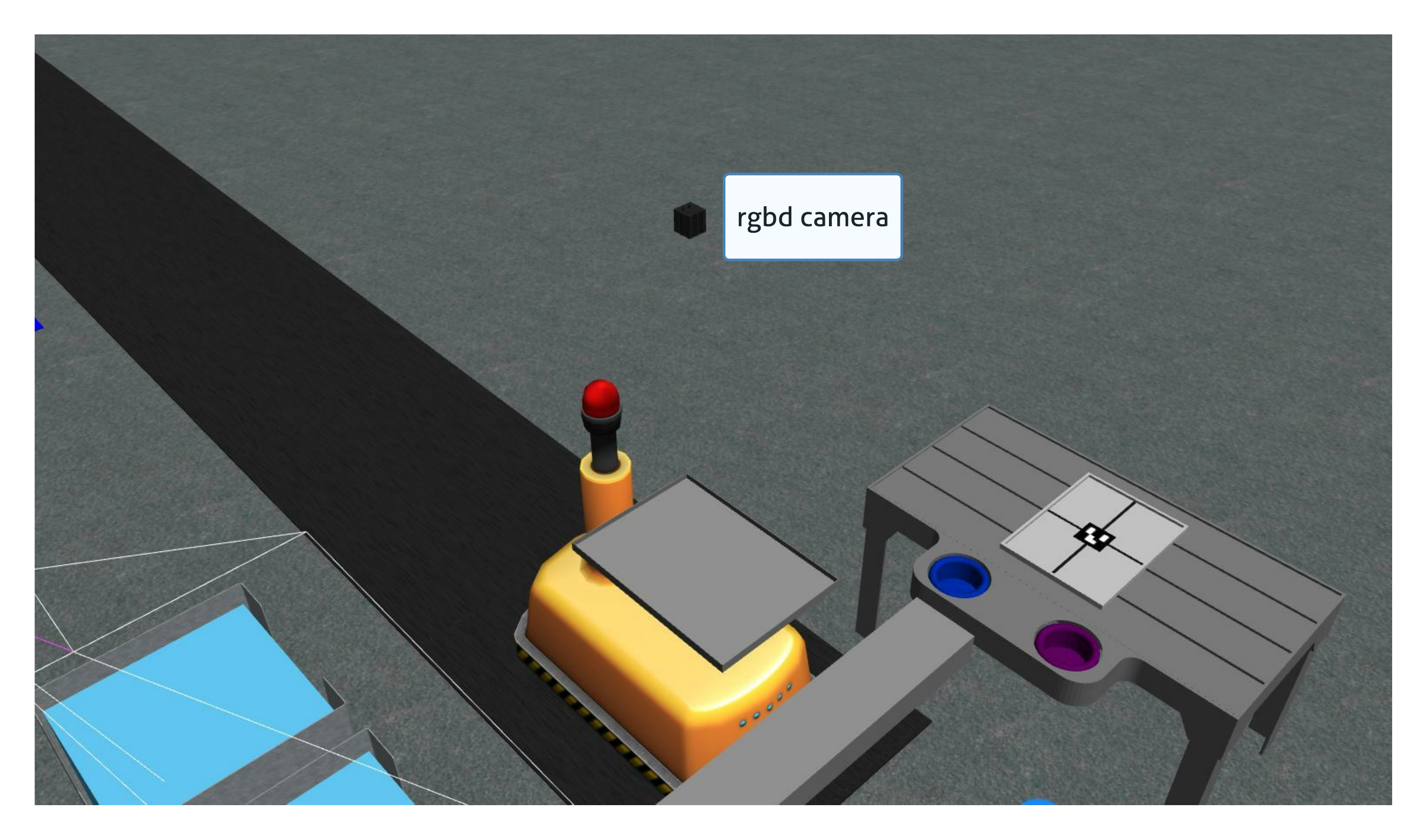
Basic Logical Camera
The basic logical camera provides a list of kit tray poses and a list of part poses. The type and the color of an object are not reported by this sensor.
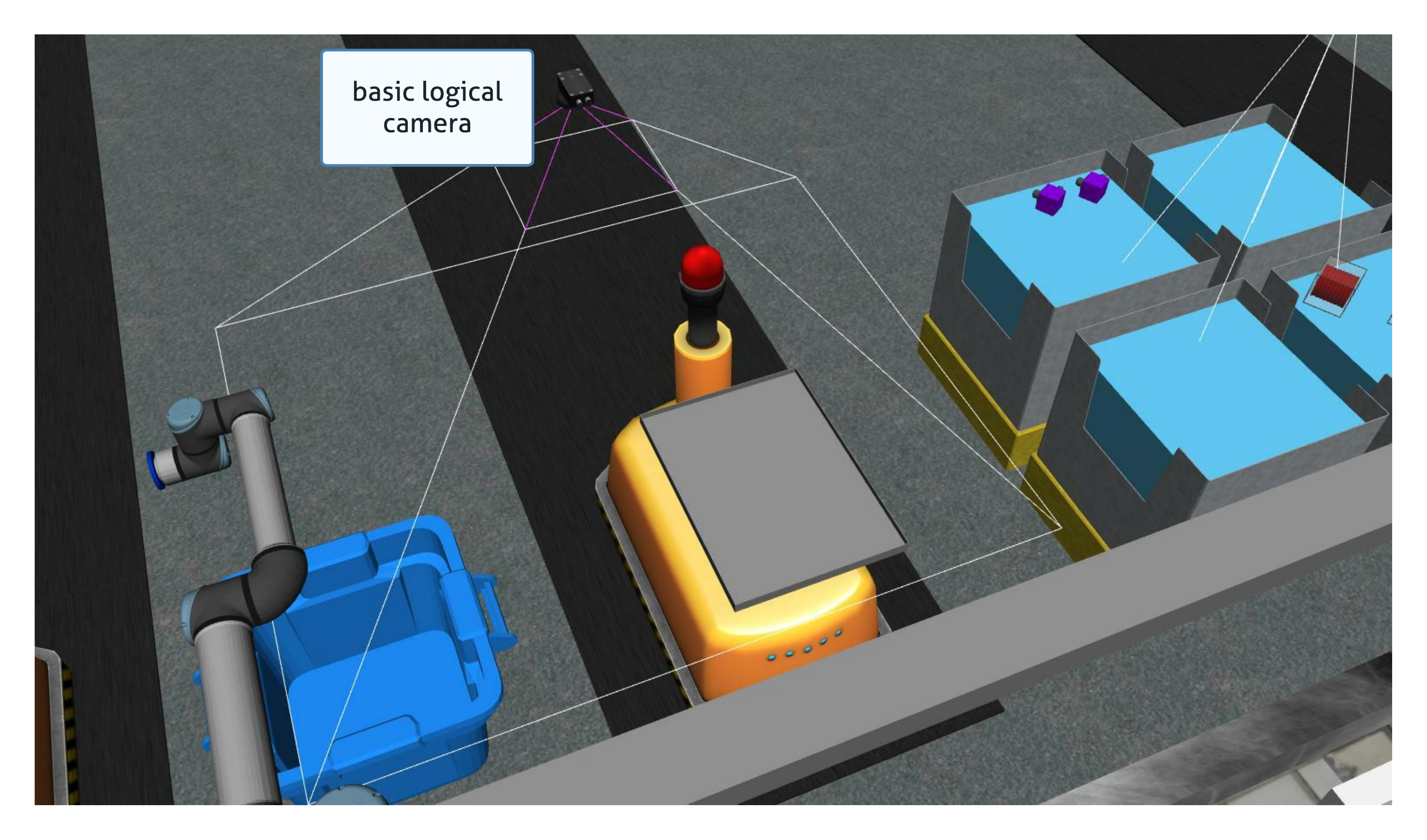
Advanced Logical Camera
The advanced logical camera reports the pose, the type, and the color of a detected object.
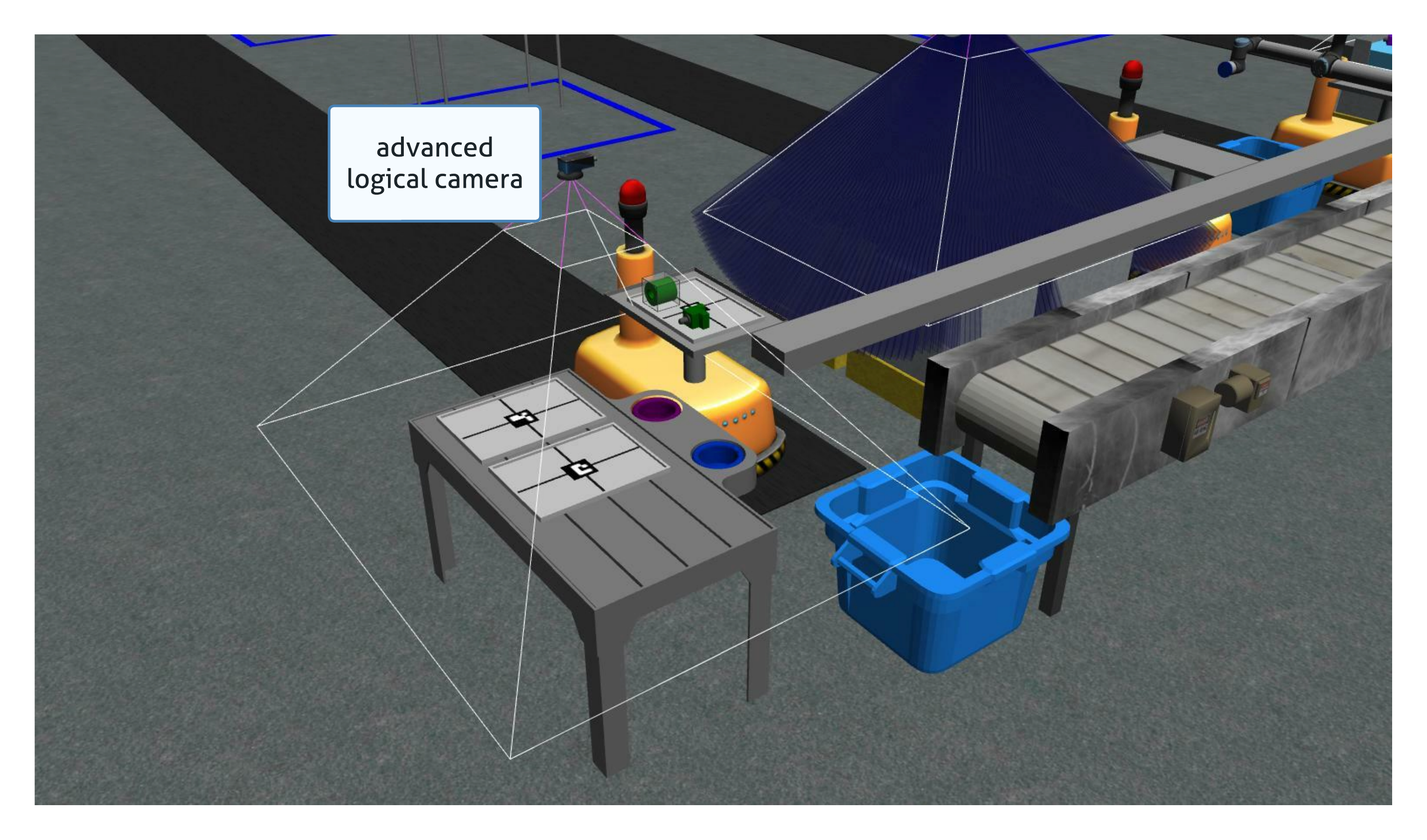
Example of a sensor configuration
Competitors should create a configuration file similar to the one below for all sensors they want to place in the environment. Each sensor has the ability to show the FOV for testing by setting the visualize_fov item to true.
NOTE: the RGB and RGBD camera FOV is not displayed properly. Use a tool like RVIZ or RQT to see the output of the sensor
sensors:
  breakbeam_0:
    type: break_beam
    visualize_fov: true
    pose:
      xyz: [-0.35, 3, 0.95]
      rpy: [0, 0, pi]

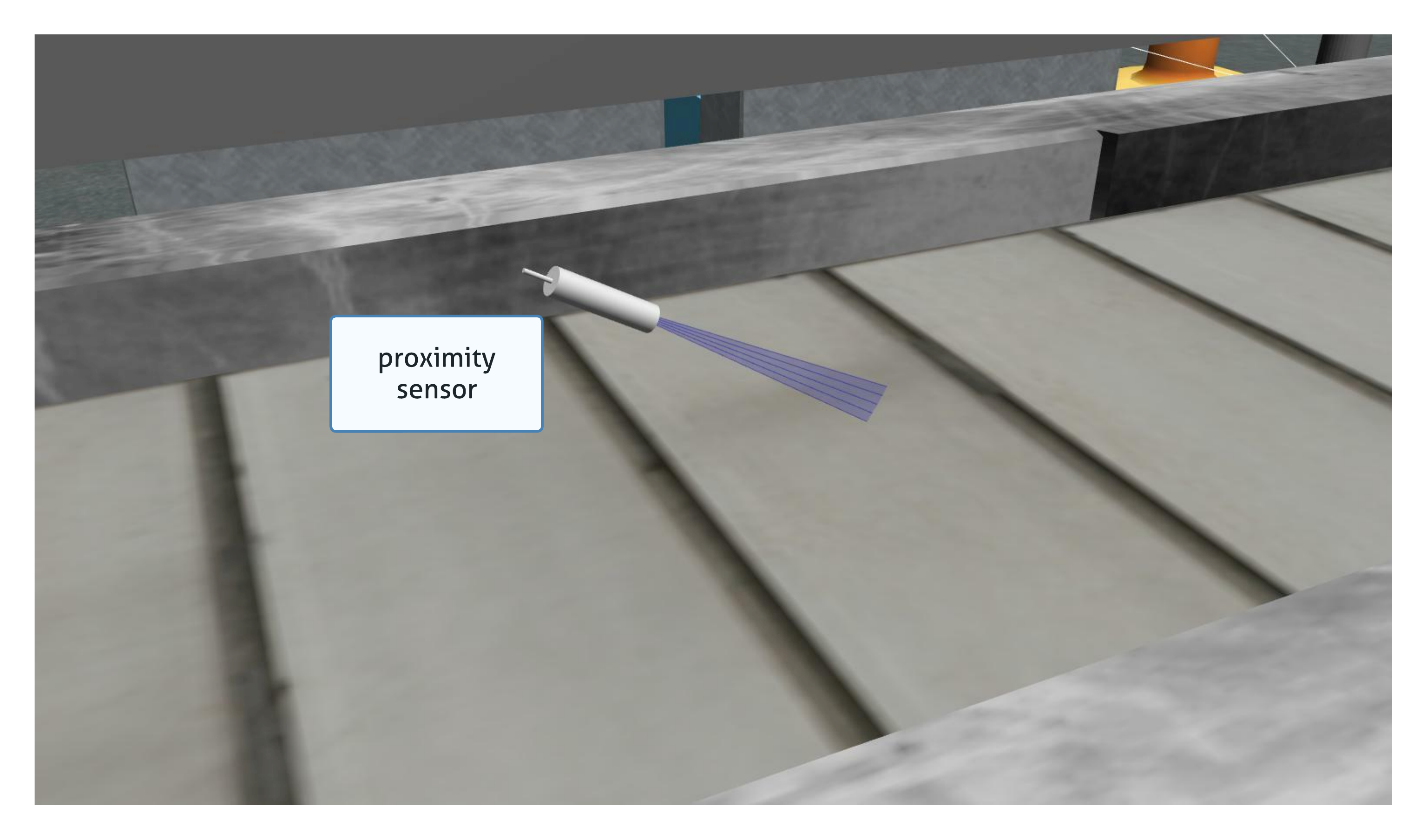
  proximity_sensor_0:
    type: proximity
    pose:
      xyz: [-0.573, 2.84, 1]
      rpy: [pi/2, pi/6, pi/2]

  laser_profiler_0:
    type: laser_profiler
    pose:
      xyz: [-0.573, 1.486, 1.526]
      rpy: [pi/2, pi/2, 0]

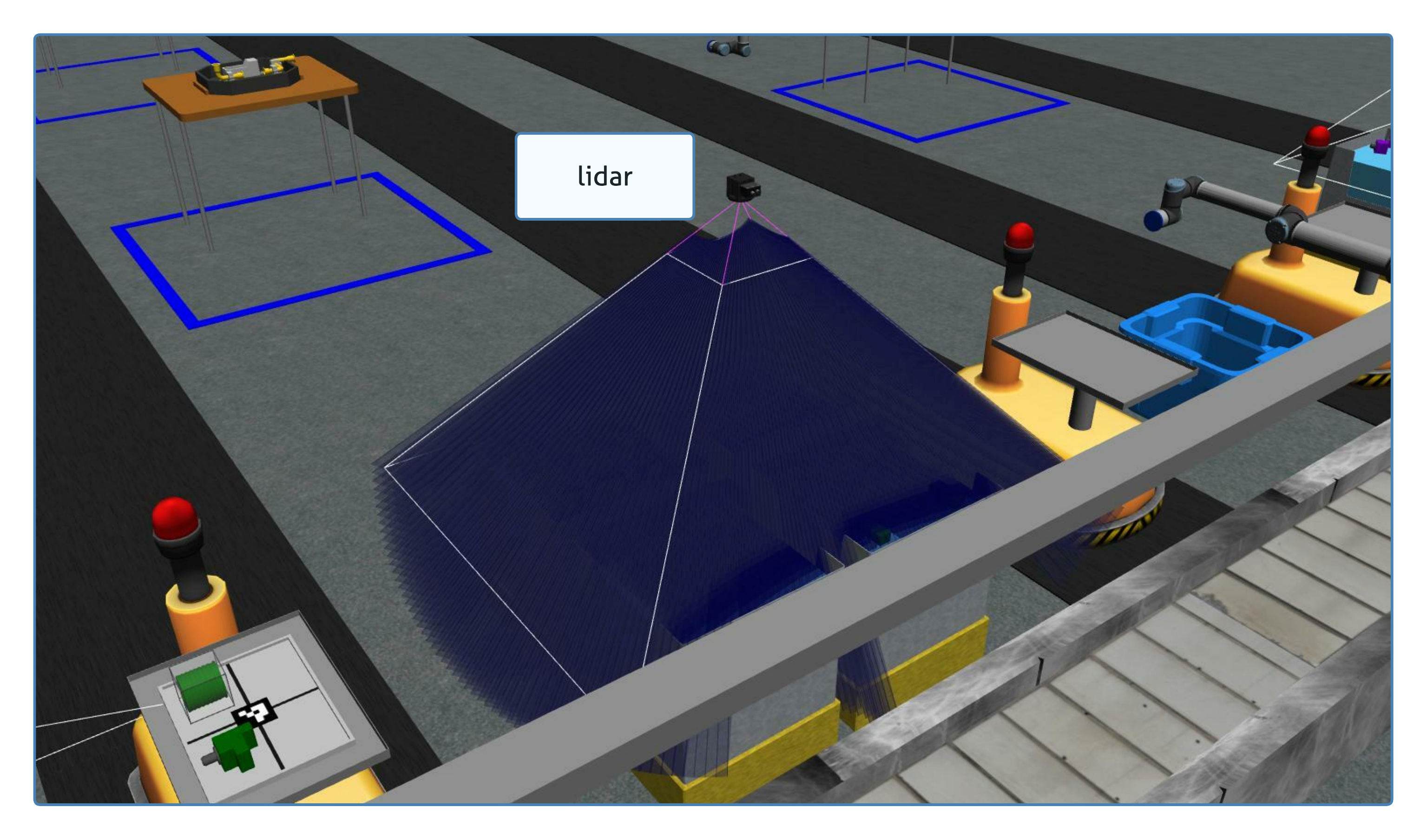
  lidar_0:
    type: lidar
    pose:
      xyz: [-2.286, -2.96, 1.8]
      rpy: [pi, pi/2, 0]

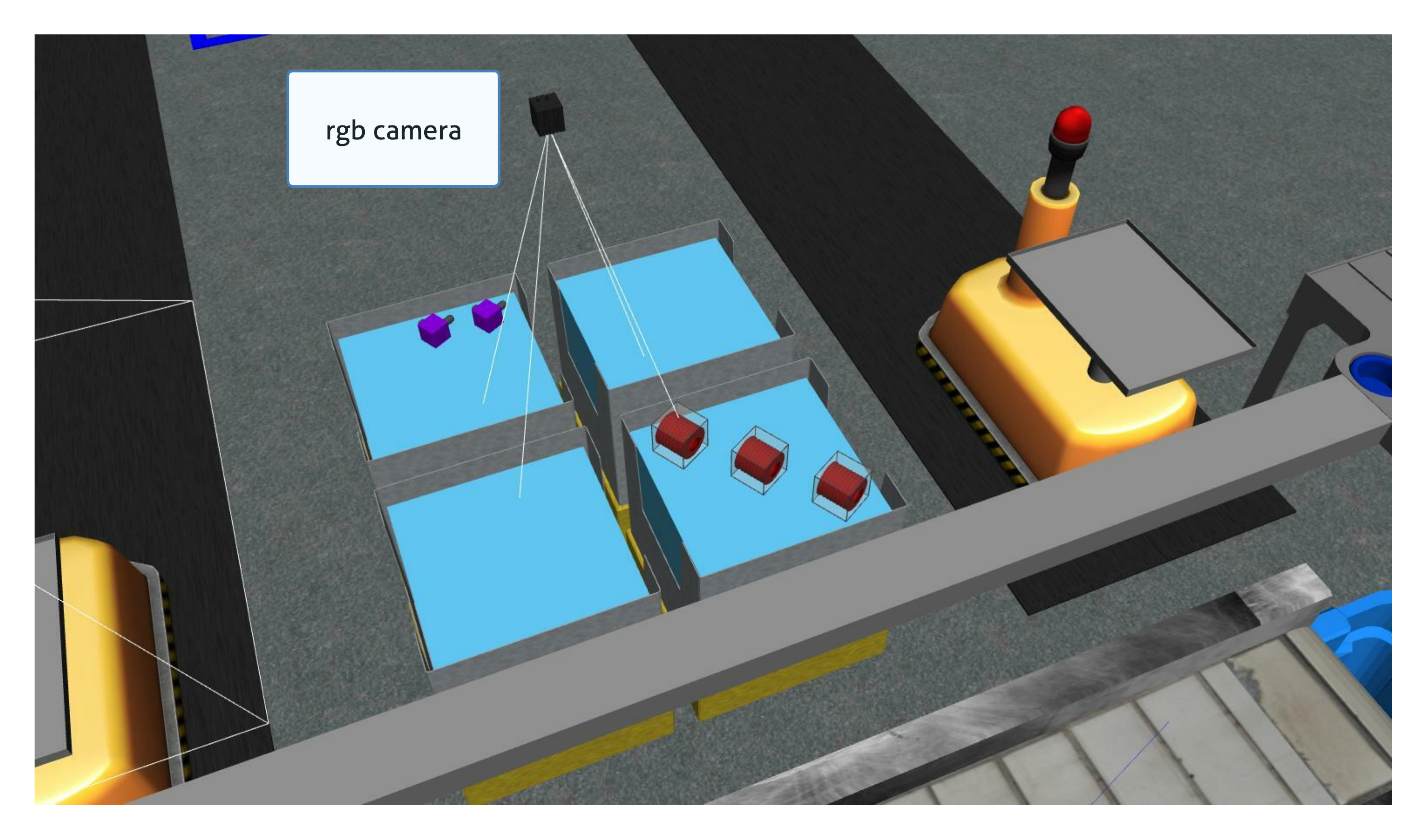
  rgb_camera_0:
    type: rgb_camera
    pose:
      xyz: [-2.286, 2.96, 1.8]
      rpy: [pi, pi/2, 0]

  rgbd_camera_0:
    type: rgbd_camera
    pose:
      xyz: [-2.286, 4.96, 1.8]
      rpy: [pi, pi/2, 0]

  basic_logical_camera_0:
    visualize_fov: true
    type: basic_logical_camera
    pose:
      xyz: [-2.286, 2.96, 1.8]
      rpy: [pi, pi/2, 0]

  advanced_logical_camera_0:
    type: advanced_logical_camera
    pose:
      xyz: [-2.286, -2.96, 1.8]
      rpy: [pi, pi/2, 0]